

All-in-one Android Device Connection Assistant
MirrorLow-latency screen mirroring, keyboard & mouse control, multi-device sync
FilesBrowse device file system, drag-and-drop upload & download
AppsAPK install, uninstall, launch; app list with icon recognition
TerminalBuilt-in ADB Shell terminal with quick command panel
ScriptsPython automation script engine with cron scheduling
AI40+ AI provider support, AI-assisted script generation
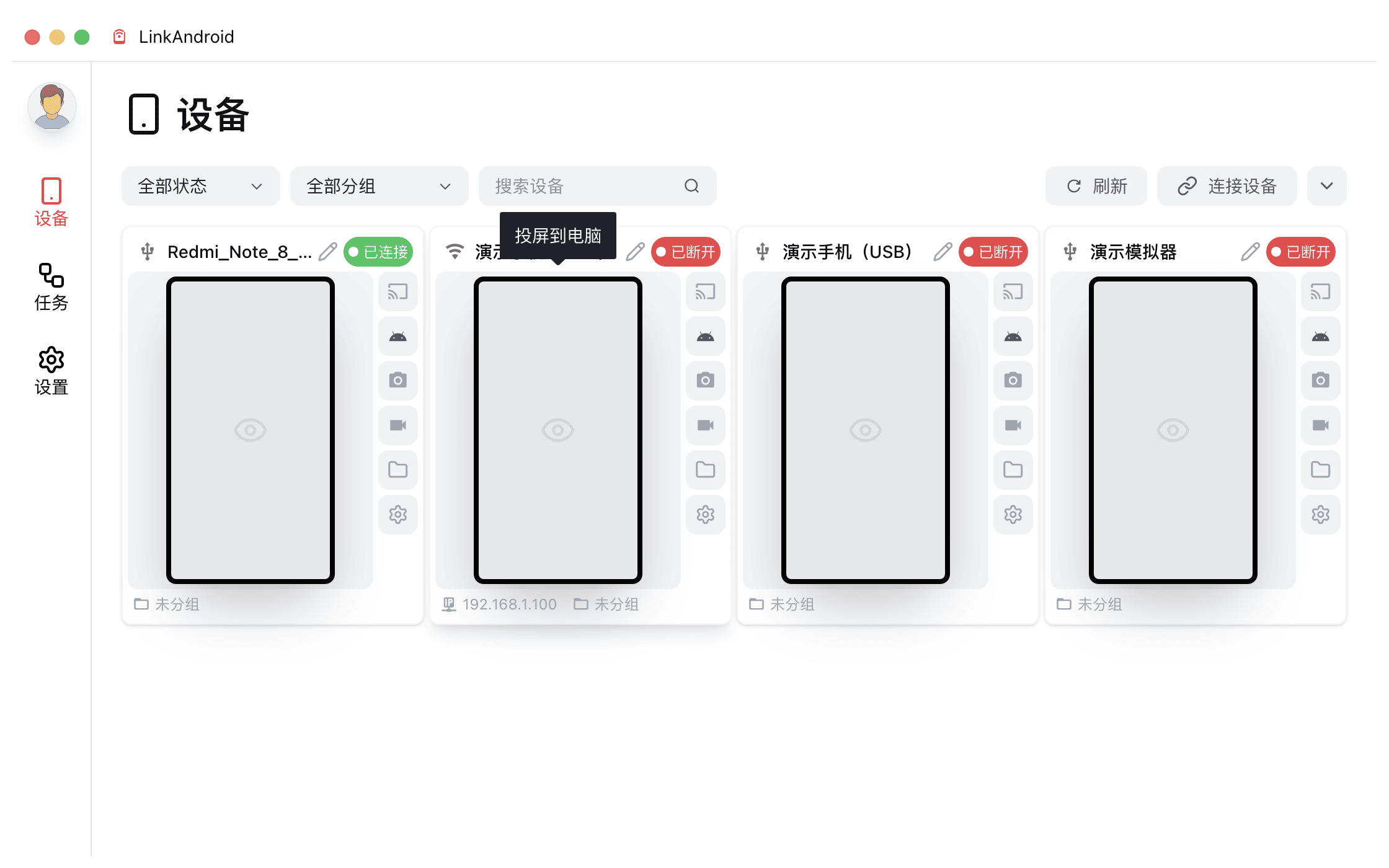
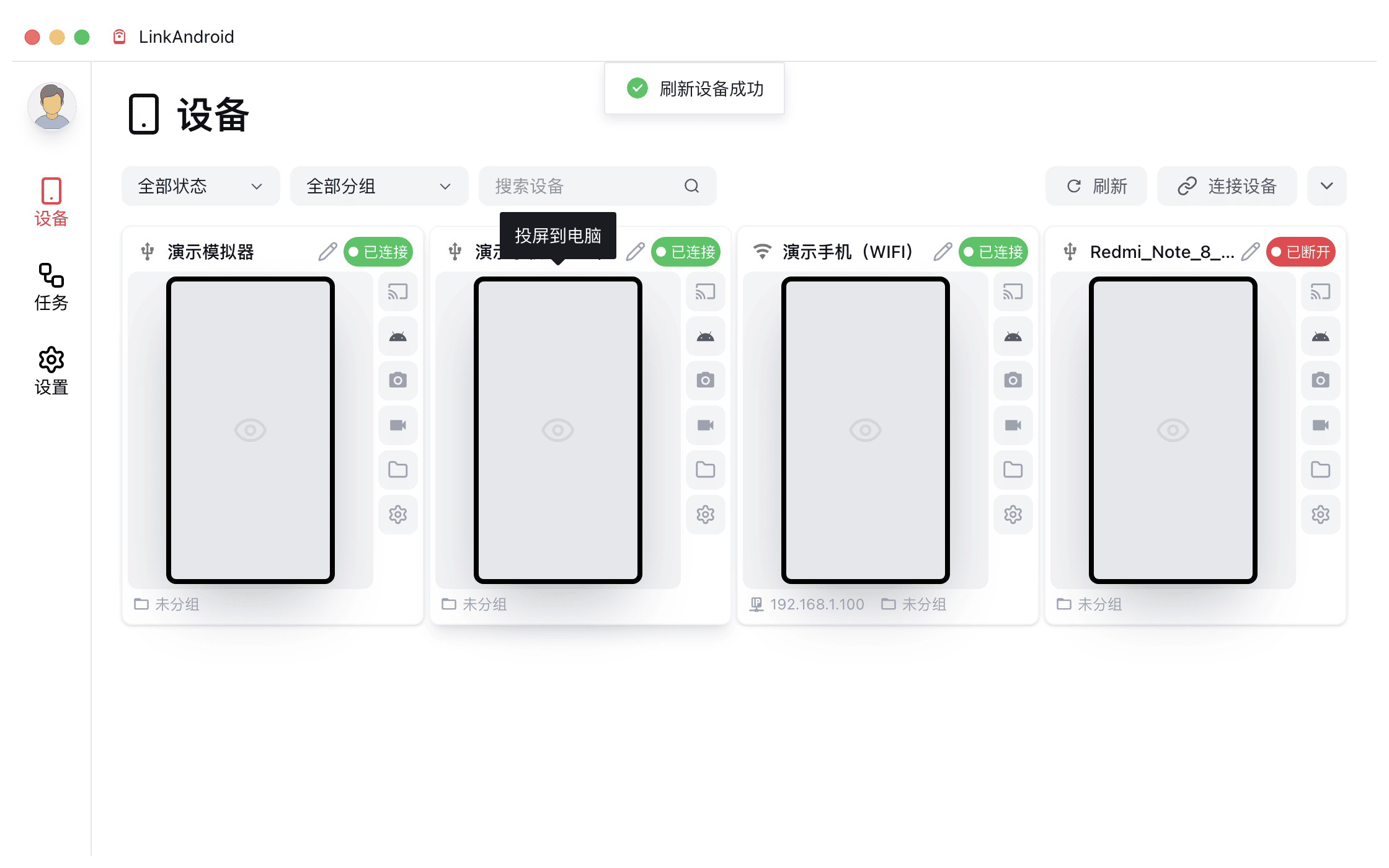
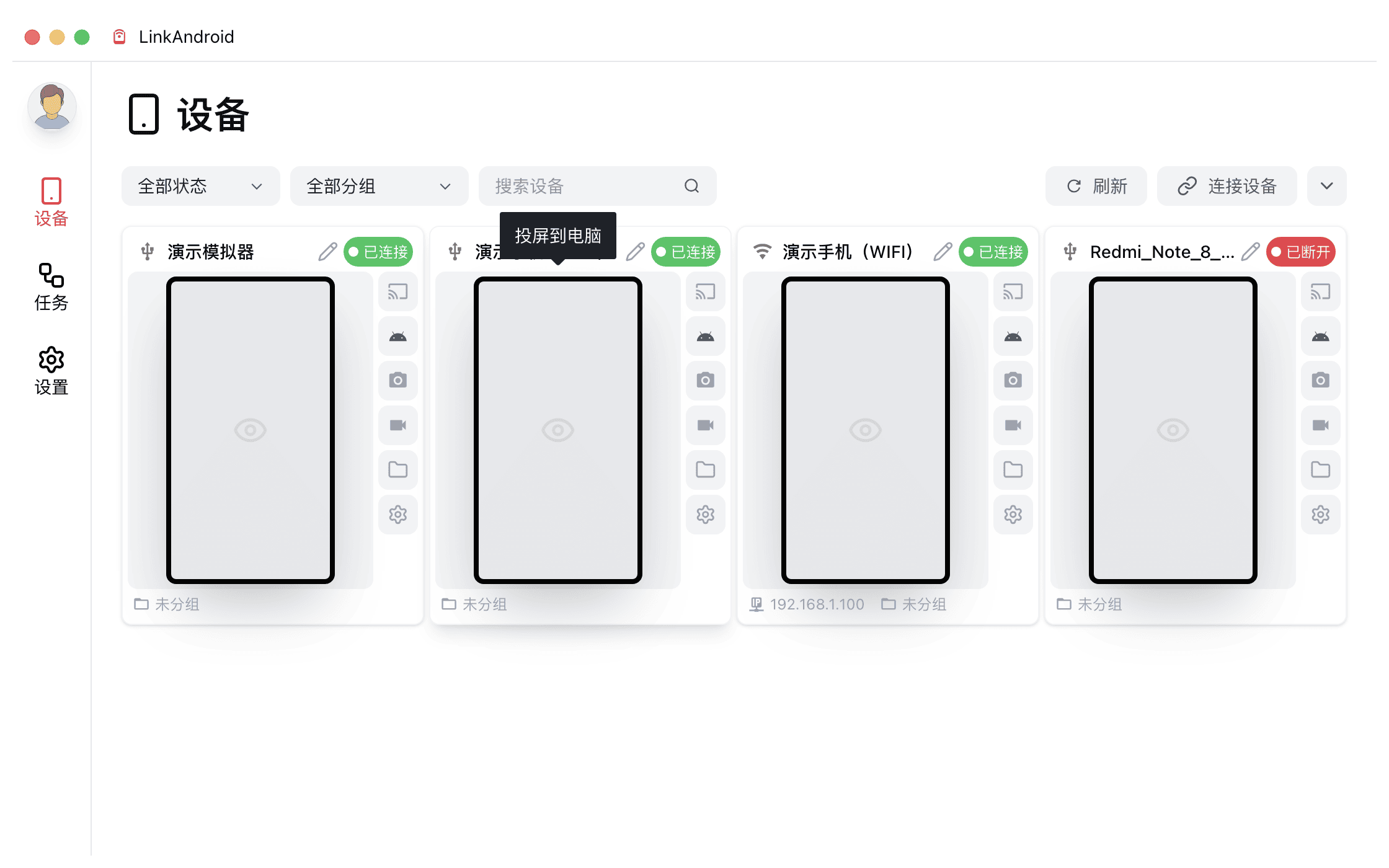
Screen Mirroring & Control
Supports USB and wireless connection, plug and play
Customized scrcpy engine for ultra low-latency mirroring
Full keyboard and mouse control with virtual navigation buttons
Follow Mode syncs master device operations to all connected devices
Screen Mirroring & Control
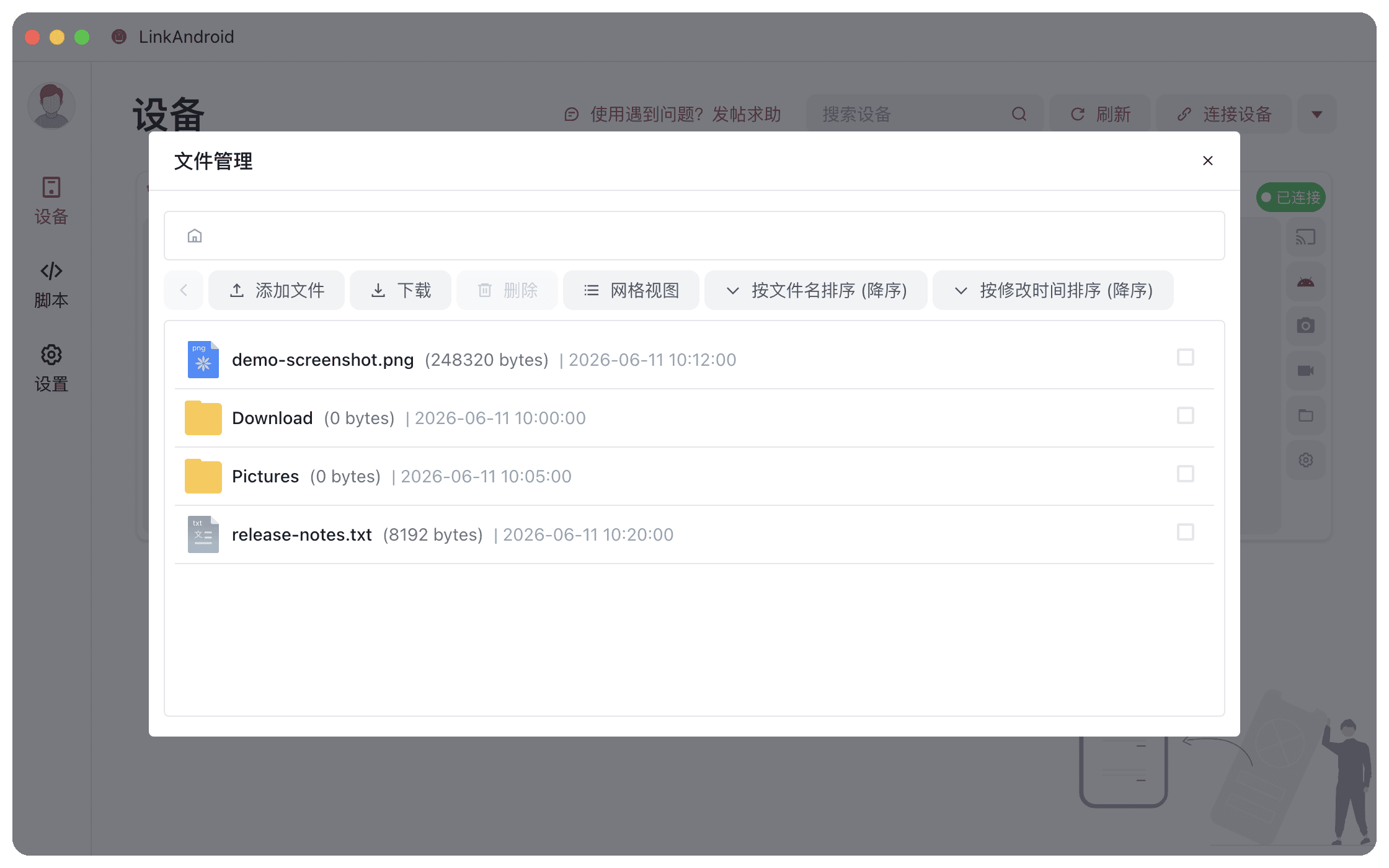
File Manager
Browse Android device file system, default /sdcard
Drag-and-drop upload and download with batch operations
List / grid view, sort by name / date / size
File Manager
App Manager
View installed third-party apps with auto icon recognition
One-click APK install, batch uninstall supported
Launch device apps directly from your computer
App Manager
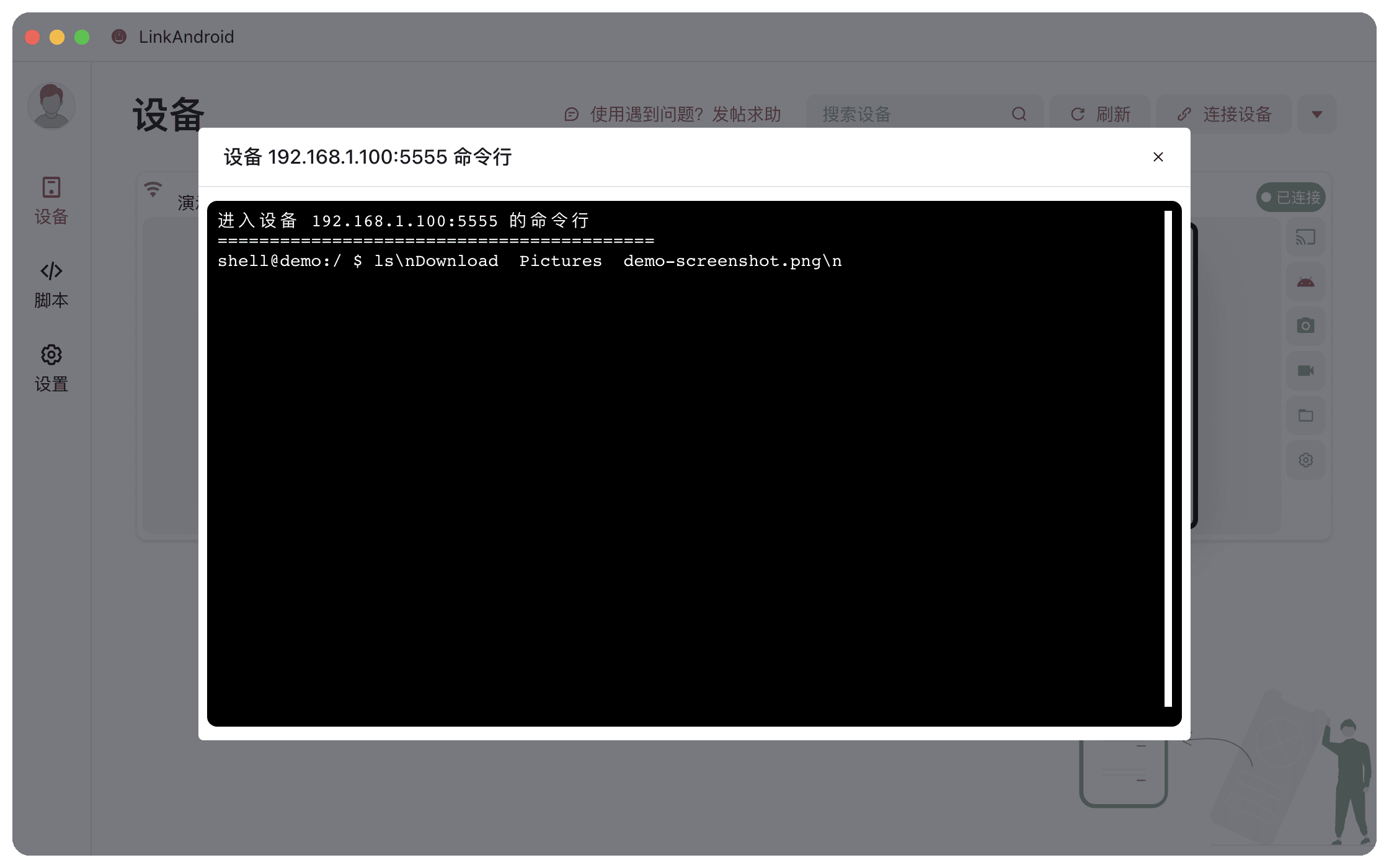
ADB Shell Terminal
Full terminal emulator based on xterm.js
Run adb and shell commands directly
Built-in quick command panel for frequently used commands
ADB Shell Terminal
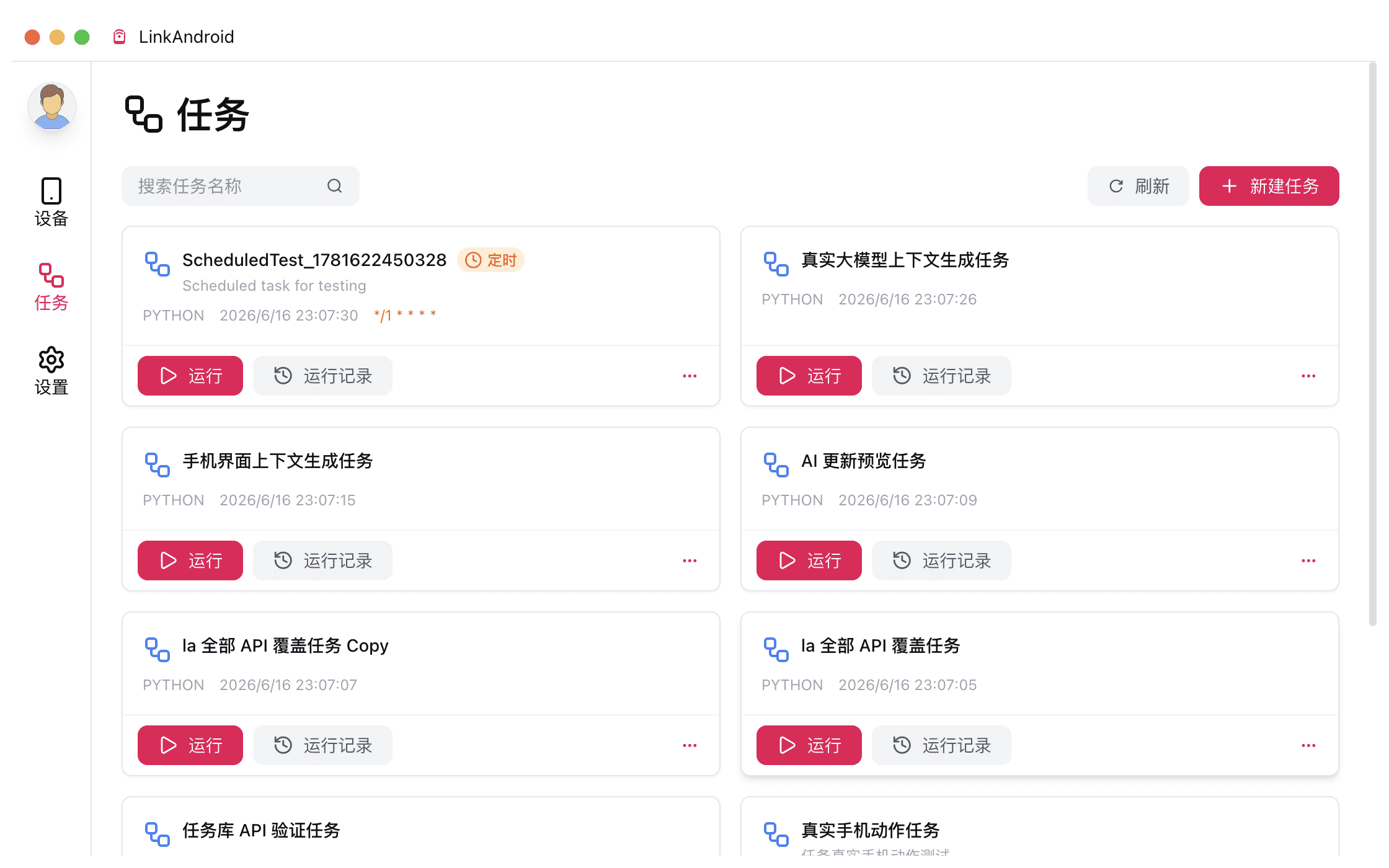
Automation Scripts
uiautomator2-based Python script engine
CodeMirror 6 editor with Python / JS / YAML support
AI-assisted script generation from natural language
Cron-based scheduled task execution
Multi-device simultaneous execution with real-time logs
Automation Scripts
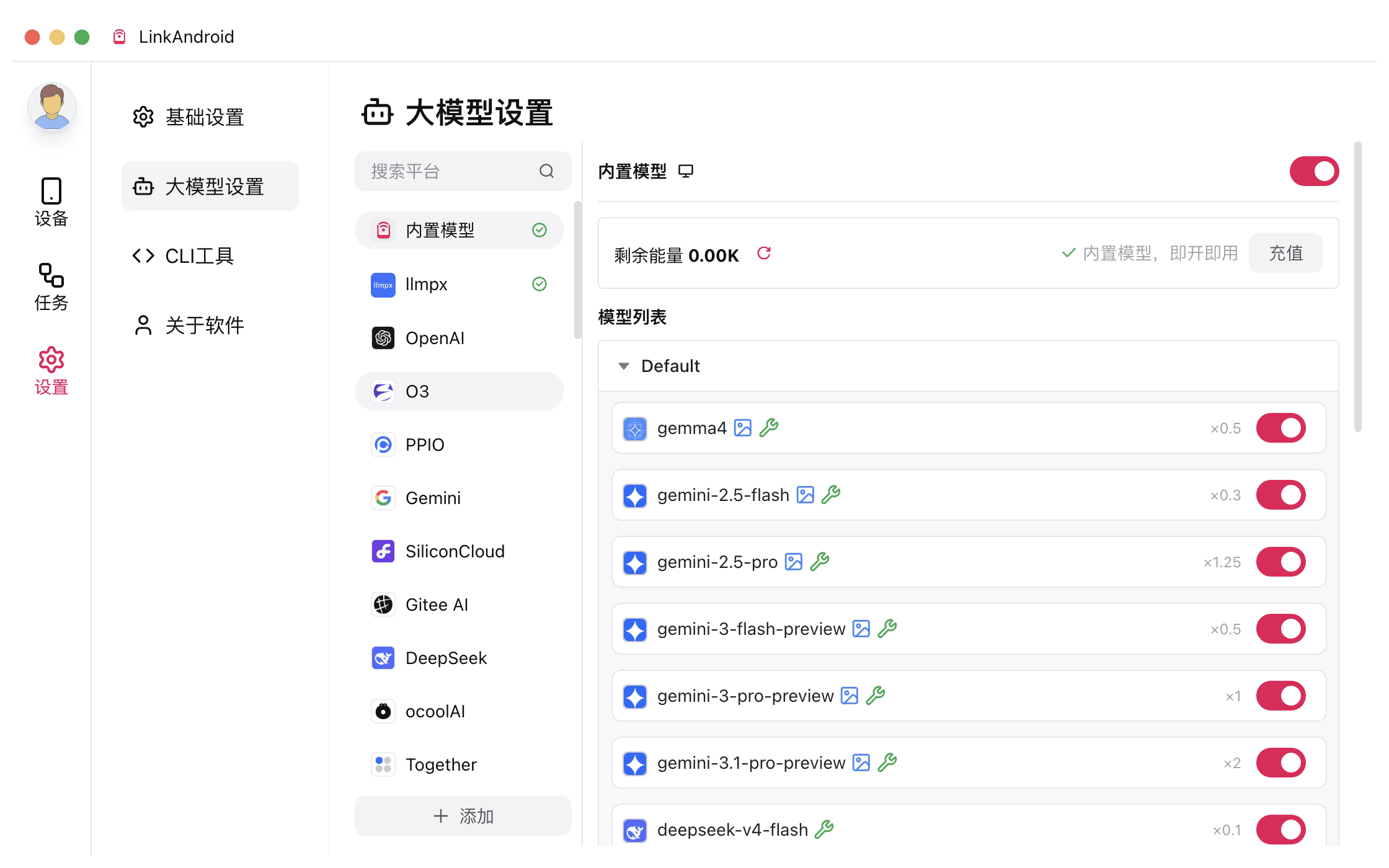
AI LLM Integration
Supports OpenAI / Anthropic / Google / DeepSeek and 40+ providers
Conversation interface with Prompt template substitution
Automatic LLM environment variable injection into scripts
Local model support via Ollama / LM Studio
AI LLM Integration
Who's Using It?
"I debug multiple phones daily. LinkAndroid's mirroring and ADB Shell are incredibly convenient — no more switching between a dozen different tools."
Chen
Android Developer
"The automation script engine with AI assistance is a game-changer. Even junior testers on our team can quickly create automated tests, greatly improving our regression testing efficiency."
Lin Qiang
QA Lead
"One-click screenshot beautification and smooth screen recording have tripled my review video production efficiency. Highly recommended to fellow reviewers."
Liu Yang
Phone Reviewer
FAQ
Is the software free to use?

All core features are completely free and open-source (Apache-2.0 license). The Pro edition offers advanced features such as multi-device sync control, device group management, and mDNS auto discovery on a subscription basis.

What connection methods are supported?

USB plug-and-play is supported, along with multiple wireless connection methods: QR code pairing, pairing code, and direct IP:Port connection. Wireless connections use mDNS auto discovery for a seamless setup experience.

Which operating systems are supported?

Windows and macOS (Intel / Apple Silicon) are supported. Linux support is currently in development.

Can I connect multiple devices simultaneously?

Yes. You can connect multiple Android devices at the same time and switch between them from the device list. The Pro edition also supports multi-device sync control, where the master device's operations are replicated across all devices.

What languages are supported for automation scripts?

Scripts are written in Python using the uiautomator2 library. The built-in la.py wrapper provides convenient APIs for device control, LLM calls, and more. The editor supports syntax highlighting for Python, JavaScript, YAML, Markdown, and JSON.

Language
QQ
微信客服
微信交流群
客服